Settings
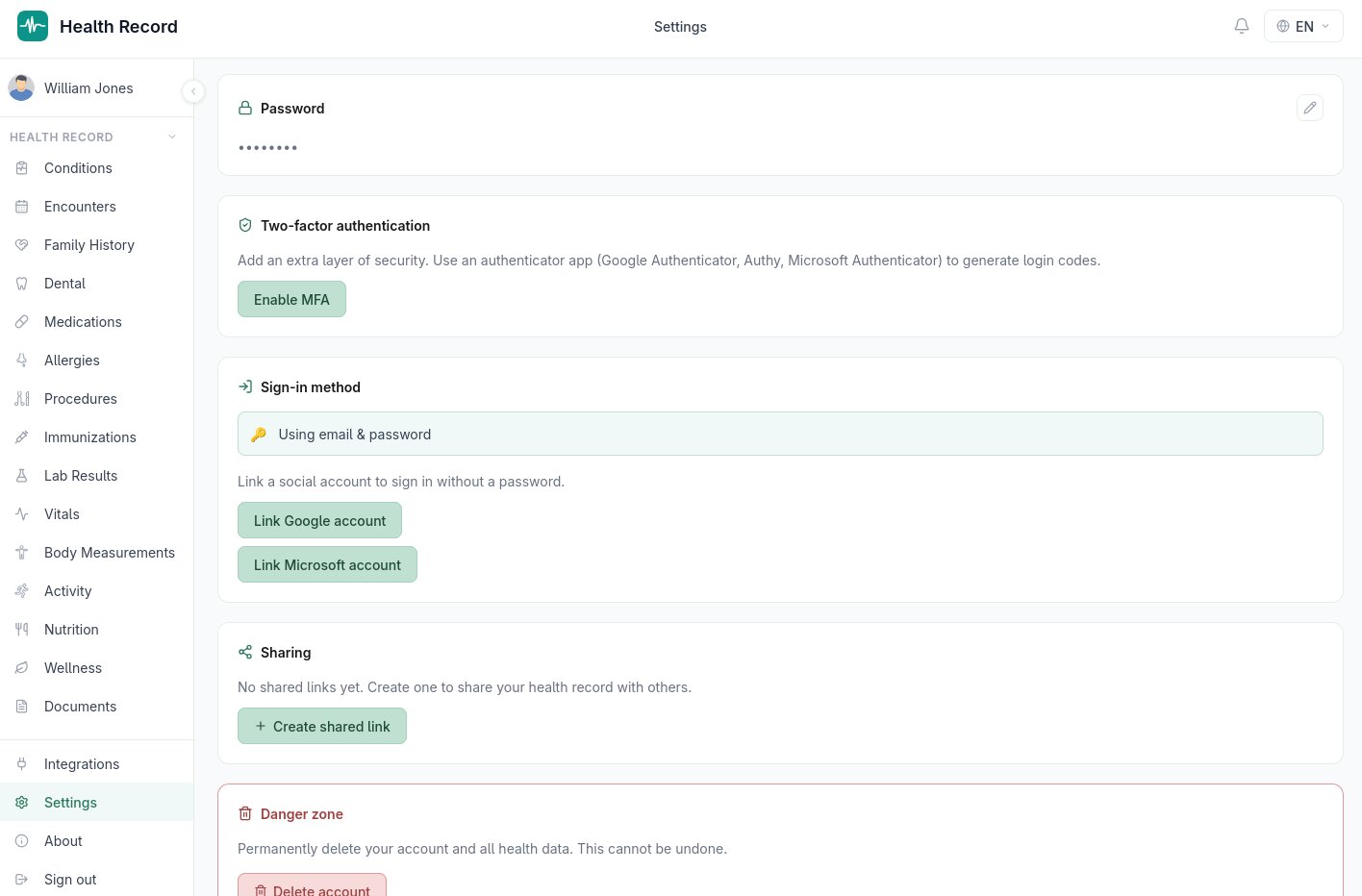
Finding Settings
Settings, Integrations, and About sit together at the bottom of the sidebar, but they're three separate pages, not tabs inside one screen — this manual covers Integrations and multi-factor authentication in their own sections; everything below is what's actually on the Settings page itself.
Account
Shows your name and email — the identity tied to your login. The name can be edited directly; email is read-only here since it's your sign-in identifier.
Preferences
General app behavior, independent of any specific data:
- Language — English, Turkish, Spanish, or French, applied immediately across the whole app, including exports
- Country and Timezone
- Date Format — a choice of five preset formats
- Time Format — 12-hour or 24-hour
Password
If you signed up with email and password, this section lets you change it (current password, new password, confirmation). If you signed in via Google or Microsoft instead, this section explains that your password is managed by that provider and hides the change-password control — there's nothing to set here in that case.
Sign-in method
Shows how you currently sign in, and lets you change it:
- Signed in via Google or Microsoft → you can switch to password login, which sets a password and unlinks the social sign-in
- Signed in via email and password → you can link a Google or Microsoft account instead, without losing access to your existing data
Sharing and security
Two more things live under Settings but are substantial enough to have their own sections in this manual: multi-factor authentication (see Security & Multi-Factor Authentication) and shared links for giving someone read-only access to your record (see Export & Sharing).
Danger zone
At the bottom of the page, Delete account permanently removes your account and every health record associated with it. This requires an explicit confirmation ("Yes, delete everything") and cannot be undone — there's no recovery or trash/undo period, so it's worth exporting anything you want to keep first (see Export & Sharing).